Your Bank.
Your Phone.
Your Convenience.
Experience a more convenient way to access your banking services. Use our USSD banking service or explore GhanaPay for supported digital wallet services, transfers, payments and more.
No Internet? You Can Still Get Started.
Register for Bosomtwe Community Bank's USSD mobile banking service by following the steps carefully. Use the phone number and account details required by the bank during registration.
Follow the prompts on your phone screen to register and access the available mobile banking menu.
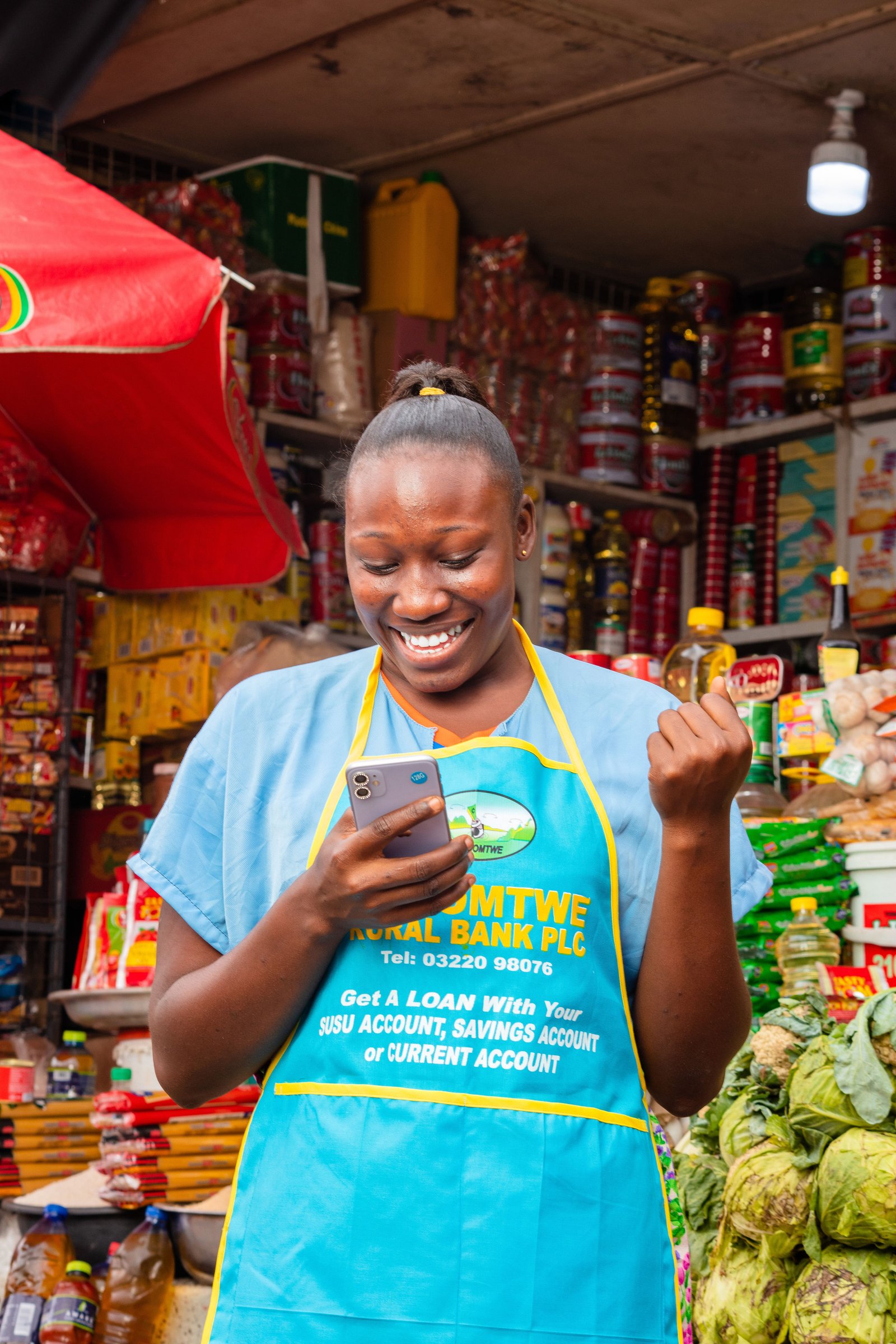
Illustrative USSD banking reference. Follow the registration instructions provided by Bosomtwe Rural Bank when using *992#.
Register in These Simple Steps
Read each step before proceeding. Enter your details carefully and follow the instructions displayed on your phone.
Dial the USSD Code
Open your phone dialler and dial *992#.
Choose Option 1
When the menu appears, press 1 to proceed with registration.
Enter Your Account Number
Enter your 16-digit account number and press Send. Check the digits before continuing.
Enter Your Ghana Card Number
Enter your Ghana Card number without hyphens, for example: GHA9876453268.
Confirm Your Details
Press 1 to confirm when prompted. Make sure the information entered is correct.
Receive Your Default PIN
Your details will be processed. You should receive an SMS containing your default PIN if registration is successful.
Change Your PIN
Redial *992#, follow the menu to change your PIN, and then access the available mobile banking services.
Security reminder: Keep your PIN confidential. Do not share it with anyone, including people claiming to represent the bank. If you do not receive your registration SMS or experience difficulties, contact the bank for assistance.
Let Our Robot Guide You
Follow this interactive walkthrough to understand the USSD registration process. Select Next Step to move through the instructions at your own pace.
Hello! Let's get you started.
I will guide you through the registration process. First, take your phone and open the dialler.
This is a visual tutorial only. It does not connect to your bank account or perform transactions. Always follow the actual prompts on your phone.
Banking Services at Your Fingertips
After successful registration, access the services available through the bank's USSD menu.
Account Balance
Check your account balance using the available USSD menu options.
Mini Statement
Review recent account activity through the mini statement service, where available.
Account to Mobile Wallet
Transfer funds from your account to supported mobile money wallets across available networks.
Other Banks
Access transfers to supported banks, including participating institutions such as GCB and Zenith Bank, subject to service availability.
Community Banks
Transfer to participating Rural and Community Banks through the available service options.
Transfers Within the Bank
Make transfers to other accounts within Bosomtwe Community Bank using the available menu.
Discover More Digital Payment Convenience
GhanaPay is a digital wallet service offered through participating banks in Ghana. The GhanaPay Customer app lets users access supported wallet services from their smartphones.
Download GhanaPay
GhanaPay is a separate digital wallet application provided by GhIPSS. Availability of services and account linking may depend on the participating institution and applicable registration requirements. Download only the official customer app and verify the publisher before installing.
Frequently Asked Questions
A few useful answers to help you get started with mobile banking.
What code do I dial to register for Bosomtwe USSD banking?
What information do I need for registration?
What should I do after receiving my default PIN?
Where can I download GhanaPay?
Is GhanaPay the same as the bank's *992# service?
Need Assistance With Mobile Banking?
If you have difficulties registering, changing your PIN, or understanding the available services, contact Bosomtwe Community Bank PLC for assistance.
Contact Bosomtwe Community Bank